Voice changer for podcasters: Create multiple personalities
The podcast of 2025 is not just talk; it is a performance. Sound material has evolved into immersive storytelling, characterized by dramatic arcs and fictional voices. Whether it's accurate crime re-enactments, fantasy worlds, or even…
The podcast of 2025 is not just talk; it is a performance. Sound material has evolved into immersive storytelling, characterized by dramatic arcs and fictional voices. Whether it's accurate crime re-enactments, fantasy worlds, or even audio cinema, the podcasts of today sound like they're on the big screen. Voice is the heart of this change. Your voice is used to establish tone, generate emotion, and form separate characters.
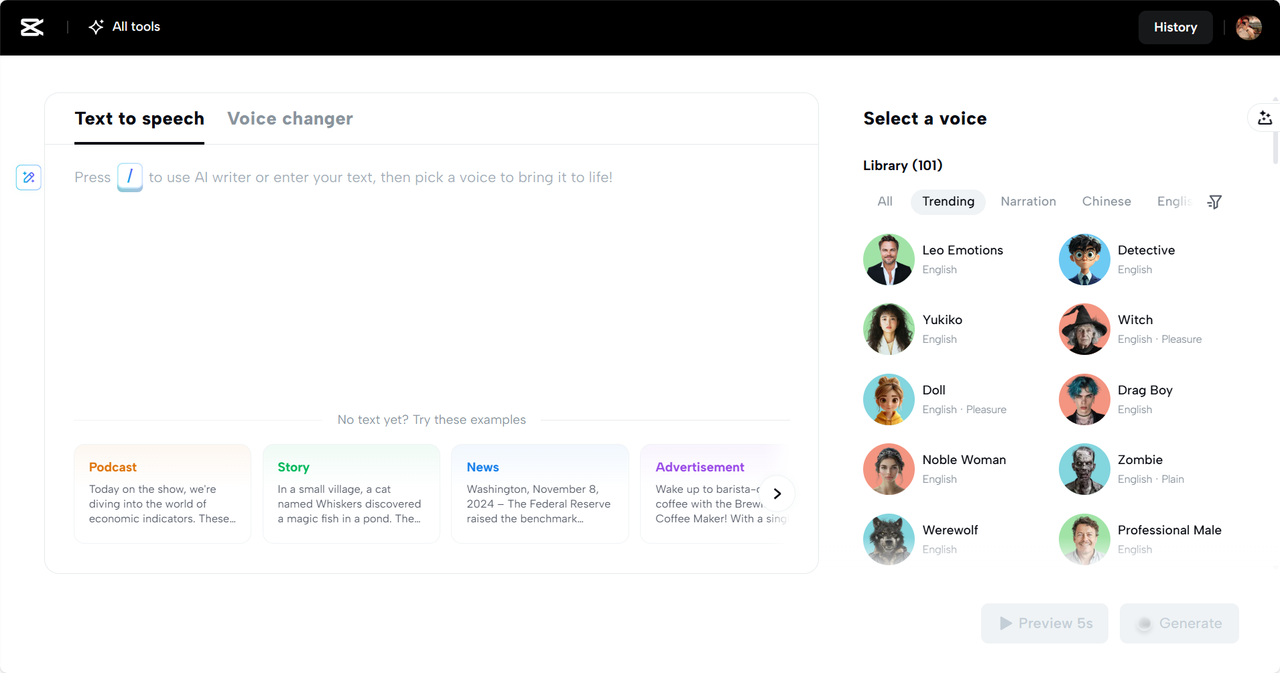
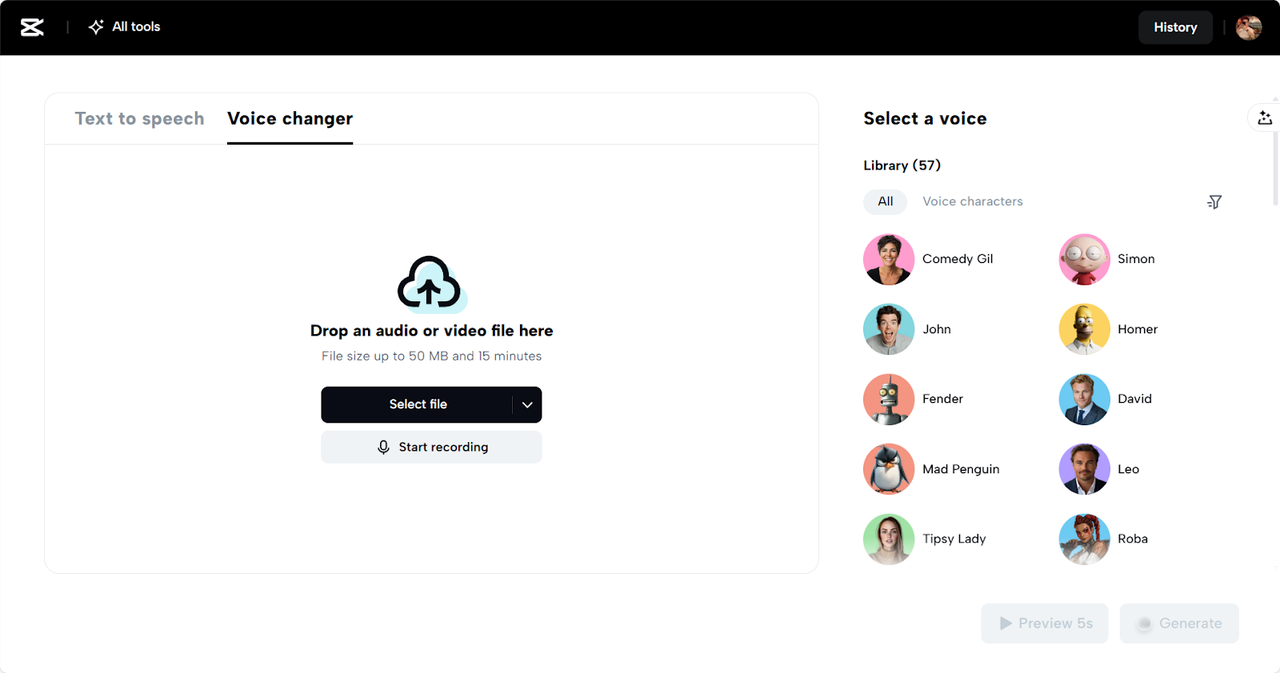
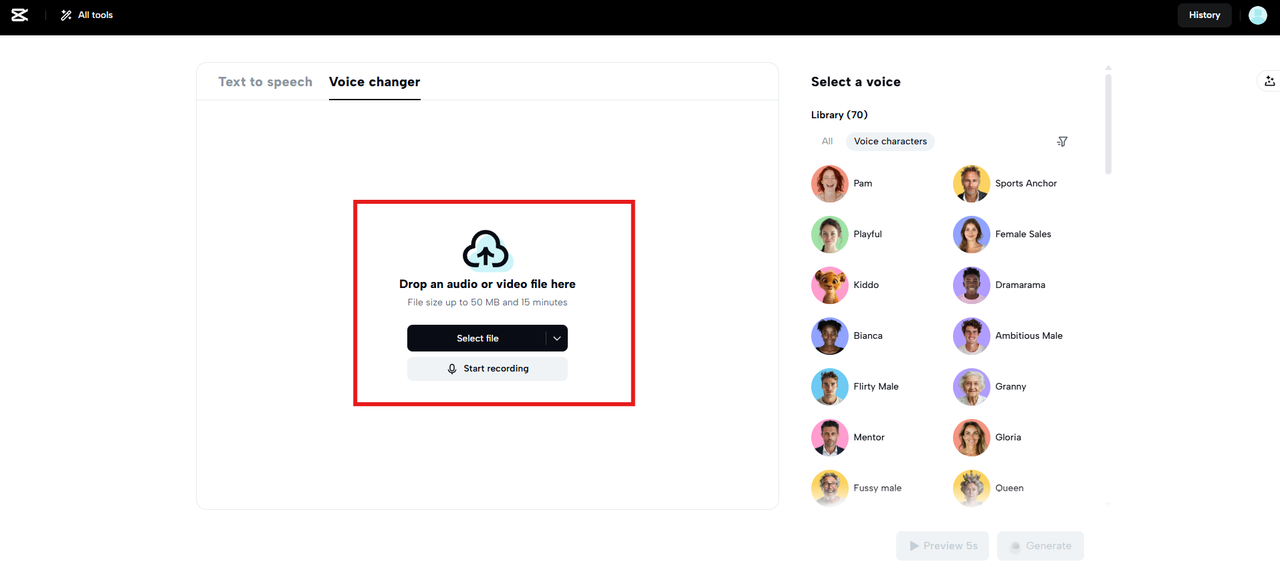
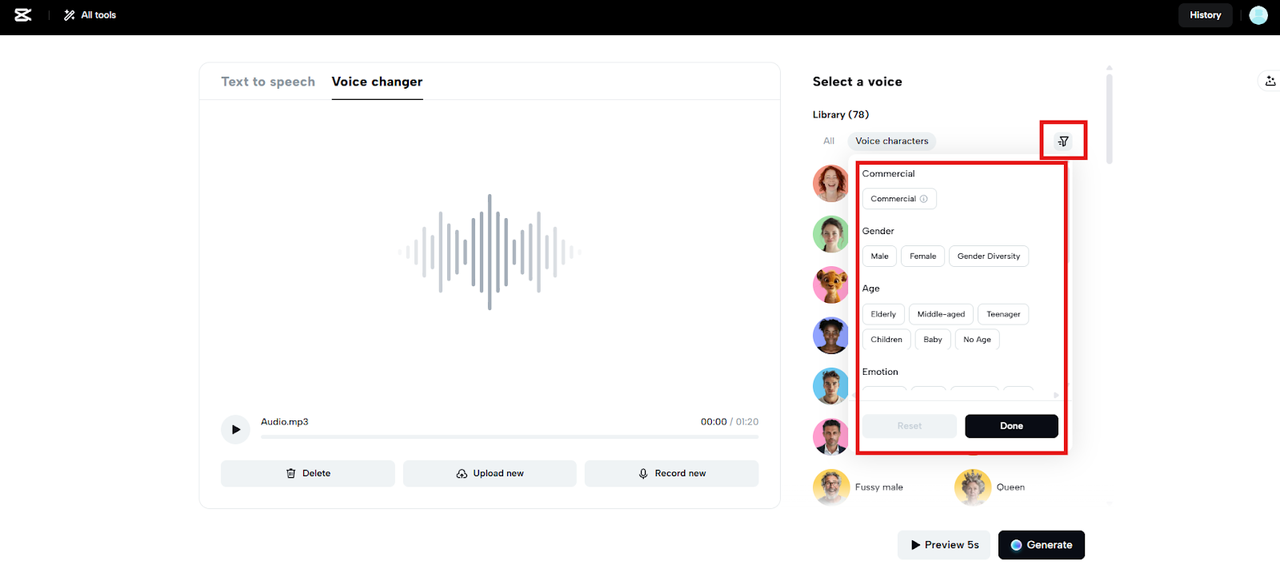
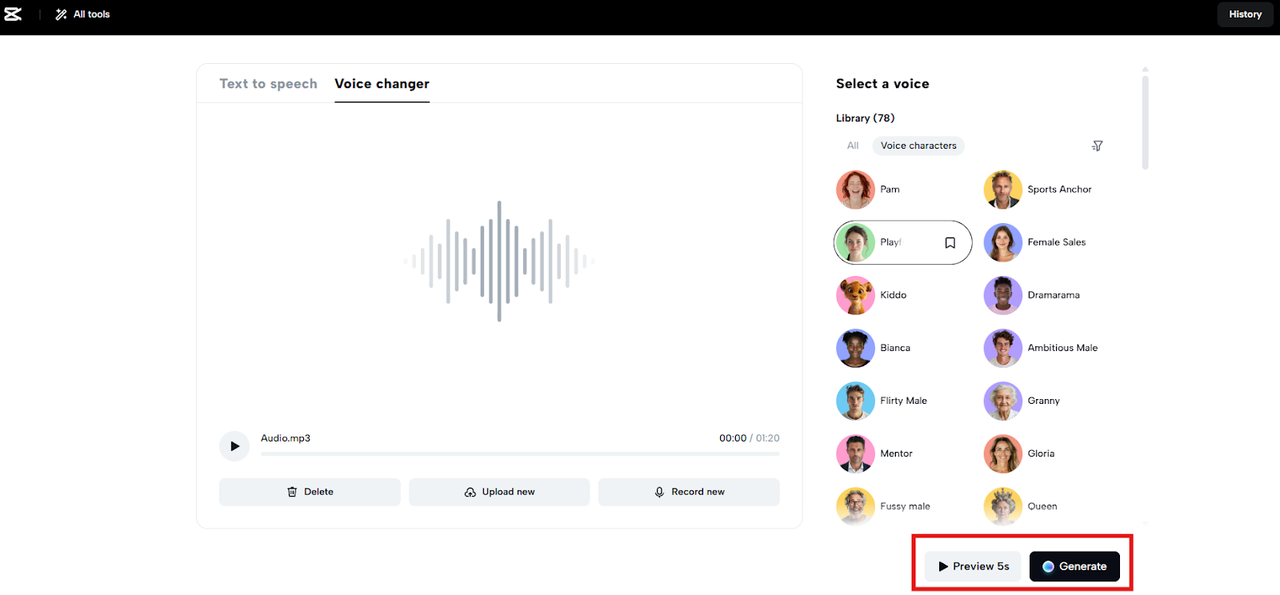
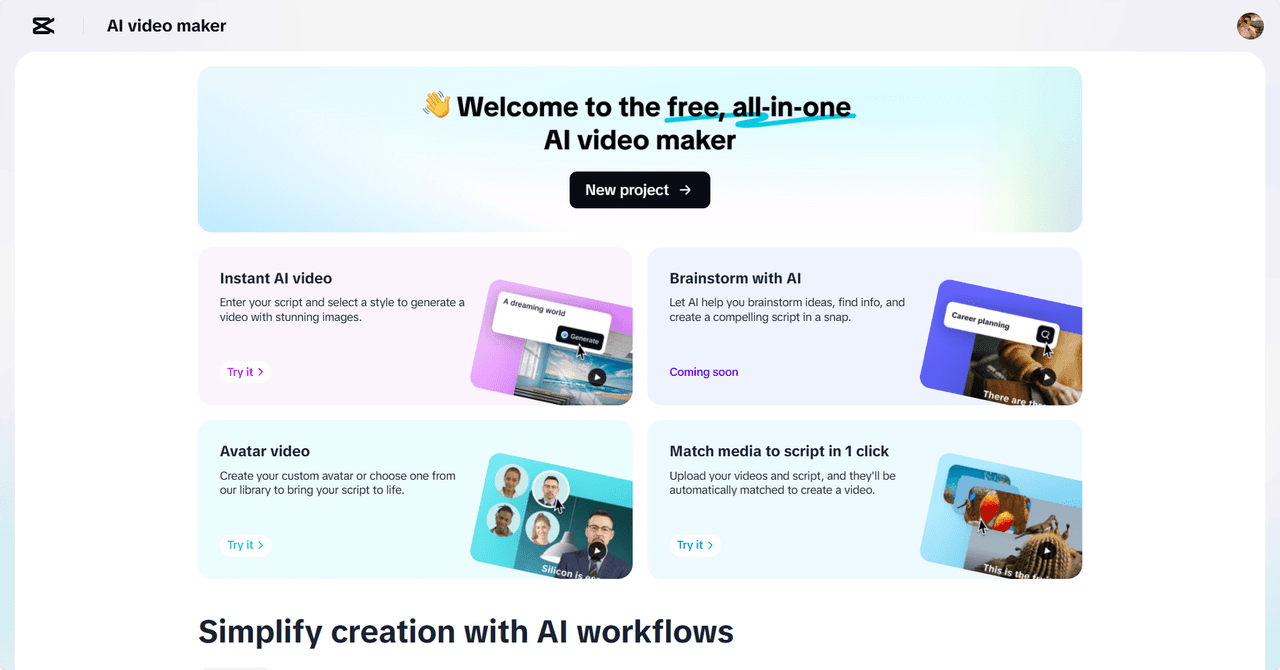
CapCut Web provides tools that can make this possible for all. The CapCut Web is an all-in-one creative platform that allows you to tell stories with the help of voice. Although CapCut Web is considered an AI video editor, it can also enhance audio storytelling by utilizing the advanced features of voice changers.
Advantages of Voice Variety in Podcasting
When you change voices, you immediately differentiate characters. A difference in vocal identity between personalities makes the fiction podcasts more involving. You do not require a complete cast. One can become a multitude with the right tools.
You may impersonate various hosts or guests in interviews by modulating the voice tones. Educational and historical podcasts are also beneficial. Read in different voices to recreate scenes or describe complicated things theatrically. You add value to the listening experience and keep the audience on their toes.
World Building Using Sound
A good podcast is like a painter with his colors. Using CapCut Web, you can make natural vocal scenes. Create different audio environments for each segment. Combine narrative with character actions and dialogue to give depth.
To increase immersion, add some sound effects such as footsteps, ambient noise, or machinery. Combine them with different voices, and your podcast becomes a play of the mind. No matter what combat situation you describe, whether it is a battlefield of war or a fantasy duel, you bring it to life with audio design.
One Voice Personality Multiplication
One voice may become twelve characters. Reflect gender, age, or mood by use of pitch, speed, and tone. Make a sage or an inquisitive kid with just a couple of changes.
Vocal quirks can also be inserted. Put a gravelly sound, a robot filter, or a nasal emphasis. Such differences make each character unique. Personality variety is enjoyable and straightforward with CapCut Web. The platform's text to audio free option can also assist you in transforming written monologues into expressive voices.
Free newsletters
Romania, in your inbox before your first coffee.
Get the Daily — the morning briefing, free, in English, unsubscribe anytime. Want business, real estate or travel digests too? Pick your newsletters →